My HOO processing workflow in PixInsight
A step-by-step breakdown of my HOO narrowband processing workflow in PixInsight.
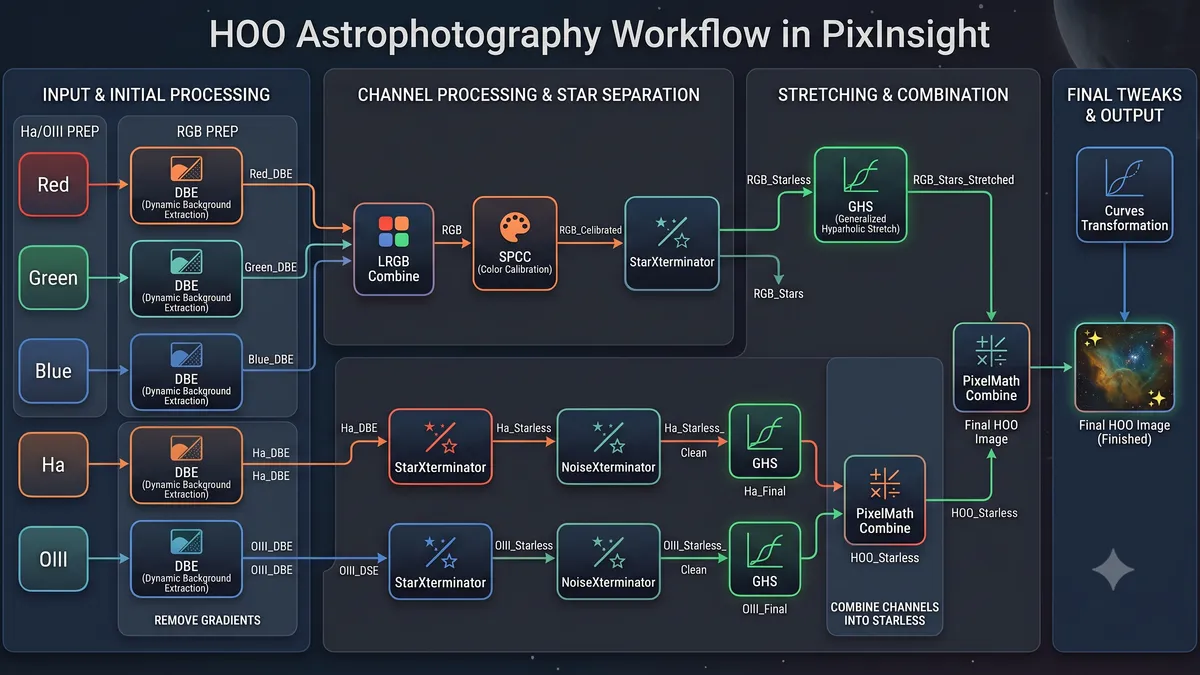
Here’s a breakdown of the exact process I follow in PixInsight when processing narrowband data for HOO specifically.
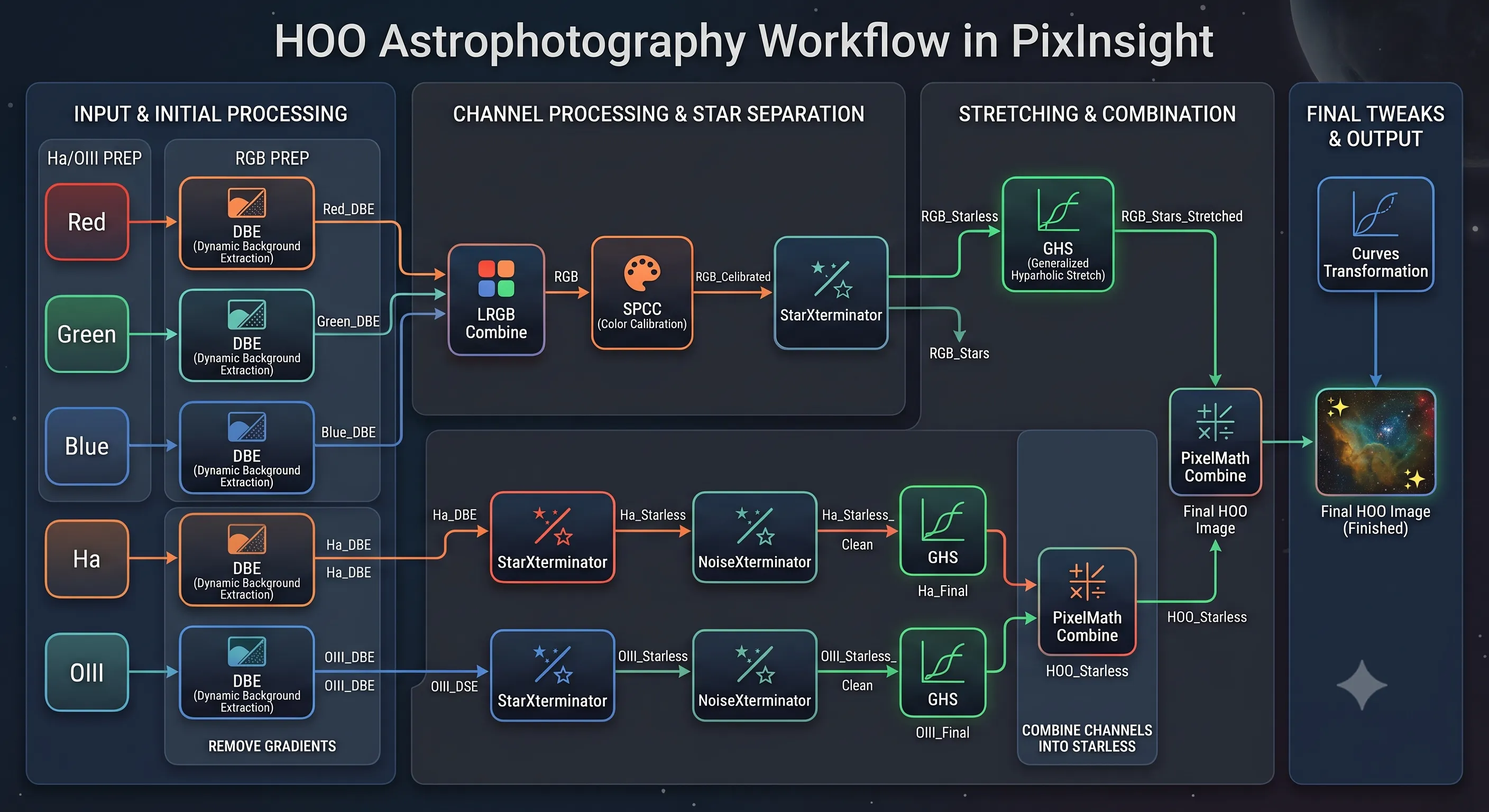
1. Process RGB Channels (for RGB Stars)
I like getting natural star colors by processing separate RGB subframe stacks first:
-
DBE: Run Dynamic Background Extraction on
Red,Green,Blue->Red_DBE,Green_DBE,Blue_DBE -
LRGB Combine: Combine
Red_DBE,Green_DBE,Blue_DBE->RGB -
SPCC: Run Spectrophotometric Color Calibration on
RGB->RGB_Calibrated -
StarXTerminator: Run StarXTerminator on
RGB_Calibrated->RGB_Starless,RGB_Stars -
Stretch Stars: Stretch
RGB_Starsusing Generalized Hyperbolic Stretch (GHS) ->RGB_Stars_Stretched
2. Process Ha & OIII Channels
Next, I work on the Ha and OIII narrowband data:
-
DBE: Run Dynamic Background Extraction on
HaandOIII->Ha_DBE,OIII_DBE -
StarXTerminator: Strip stars from both ->
Ha_Starless,OIII_Starless -
NoiseXTerminator: Denoise both ->
Ha_Starless_Clean,OIII_Starless_Clean -
Stretch Nebulae: Stretch both narrowband layers using Generalized Hyperbolic Stretch (GHS) ->
Ha_Final,OIII_Final
3. Combine Channels & Add Stars Back
-
PixelMath HOO Combine: Combine
Ha_FinalandOIII_Finalin PixelMath ->HOO_Starless -
PixelMath Star Blend: Combine
HOO_StarlessandRGB_Stars_Stretched->Final HOO Image- For the RGB Stars, you might want to reduce your stars here if they are too bright or big. I use Bill Blanshan’s reduction scripts for this. I don’t remember exactly where I got them so I can’t link to them.
4. Final Tweaks
- Curves: Run CurvesTransformation on
Final HOO Imagefor final contrast, saturation, and color adjustments.